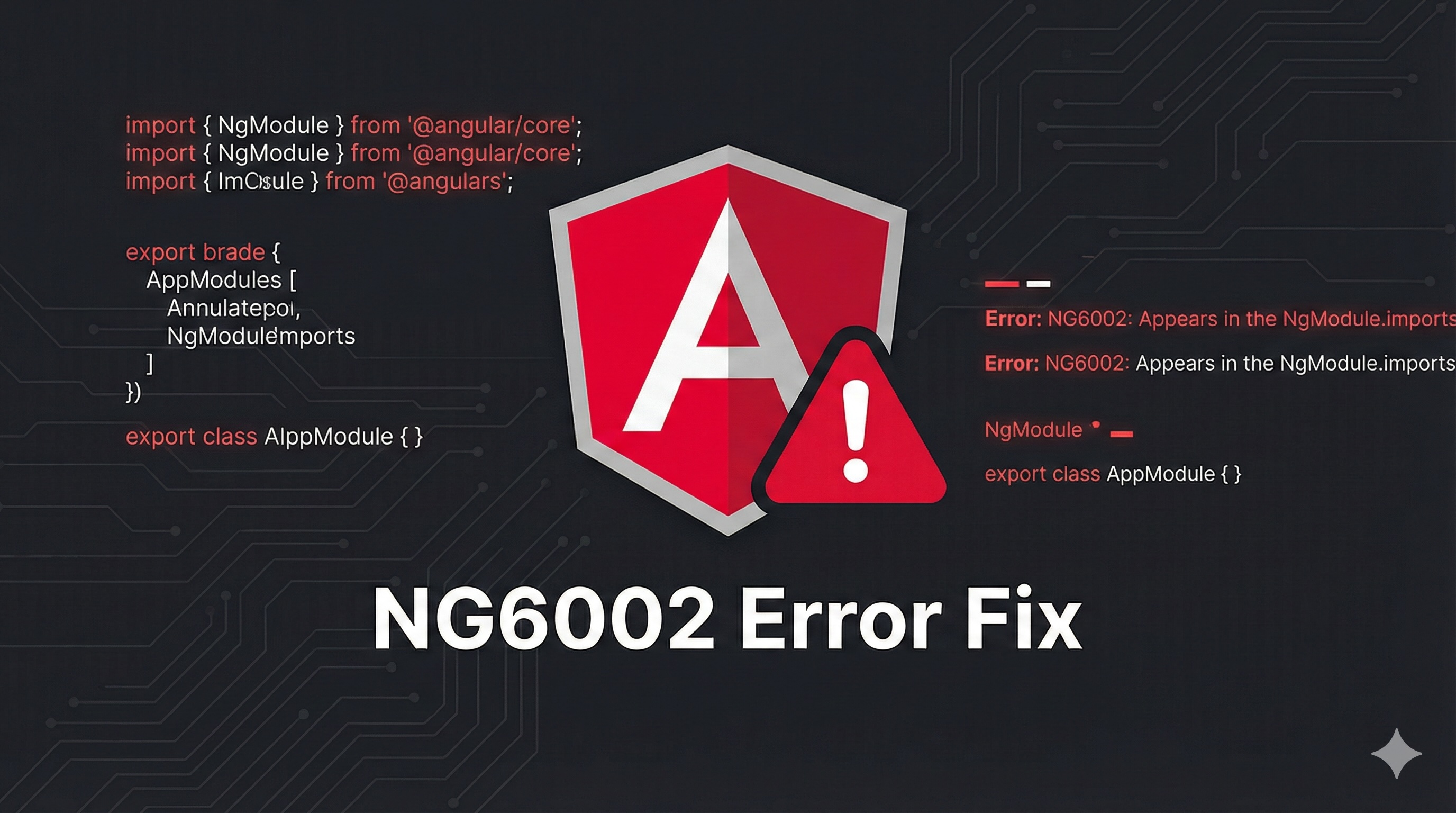
error NG6002: Appears in the NgModule.imports of AppModule, but could not be resolved to an NgModule class
While upgrading the Angular version or running ng serve, you may encounter the following error related to NgModule.imports:
“error NG6002: Appears in the NgModule.imports of AppModule, but could not be resolved to an NgModule class”
This error usually indicates that Angular cannot properly resolve or compile a module that is being imported into your AppModule or any other feature module.
Example error:
ERROR in node_modules/ng-pick-datetime/date-time/adapter/moment-adapter/moment-date-time.module.d.ts:3:22 – error NG6002: Appears in the NgModule.imports of AppModule, but could not be resolved to an NgModule class.
Why Does This Error Occur?
The NG6002 error is commonly caused by one of the following reasons:
- The imported library is not compatible with the current Angular version
- The library is not processed correctly by Angular Ivy (ngcc)
- The module was added but the Angular dev server was not restarted
- Cached dependencies or corrupted
node_modules
Solution 1: Update or Replace the Incompatible Library
This issue often occurs when a third-party library (for example: ng-pick-datetime/date-time/adapter/moment-adapter) is not compatible with Angular Ivy.
Check whether a newer version of the library is available and update it. If the library is no longer maintained, consider switching to an alternative that supports newer Angular versions.
You can also reach out to the library authors or review the GitHub issues to confirm Ivy compatibility.
Solution 2: Restart the Angular Development Server
Sometimes the error occurs because the Angular development server has not picked up newly added modules.
If you recently updated or added a module in @NgModule inside app.module.ts, stop the server and restart it:
ng serve
A simple restart often resolves module resolution issues caused by stale builds.
Solution 3: Disable Ivy (Temporary Workaround)
If the library does not support Ivy, you can temporarily opt out of Ivy as per Angular documentation.
Refer to the official guide: https://angular.io/guide/ivy
Update tsconfig.app.json as shown below:
{
  "angularCompilerOptions": {
    "enableIvy": false
  }
}
⚠️ Note: Disabling Ivy is not recommended long-term. Use this only as a temporary solution.
Solution 4: Clear Cache and Reinstall Dependencies
Corrupted caches or dependency mismatches can also trigger NG6002 errors.
Run the following commands to clean and reinstall dependencies:
npm cache clean --force
rm -rf node_modules package-lock.json
npm install
Final Thoughts
The NG6002 error is typically caused by incompatible libraries or stale Angular builds. By updating dependencies, restarting the server, or cleaning caches, you can resolve the issue quickly.
If you still face issues, feel free to contact us at info@codingbeez.com for any Angular or frontend-related help.
Happy coding!
Prakash Pradhan
Sr. Software Engineer
Senior Software Engineer with 10+ years of experience in designing and scaling distributed systems and full-stack applications. Experts in optimizing system performance, and delivering high-impact technical solutions across the entire software development lifecycle.







Comments
No comments yet.