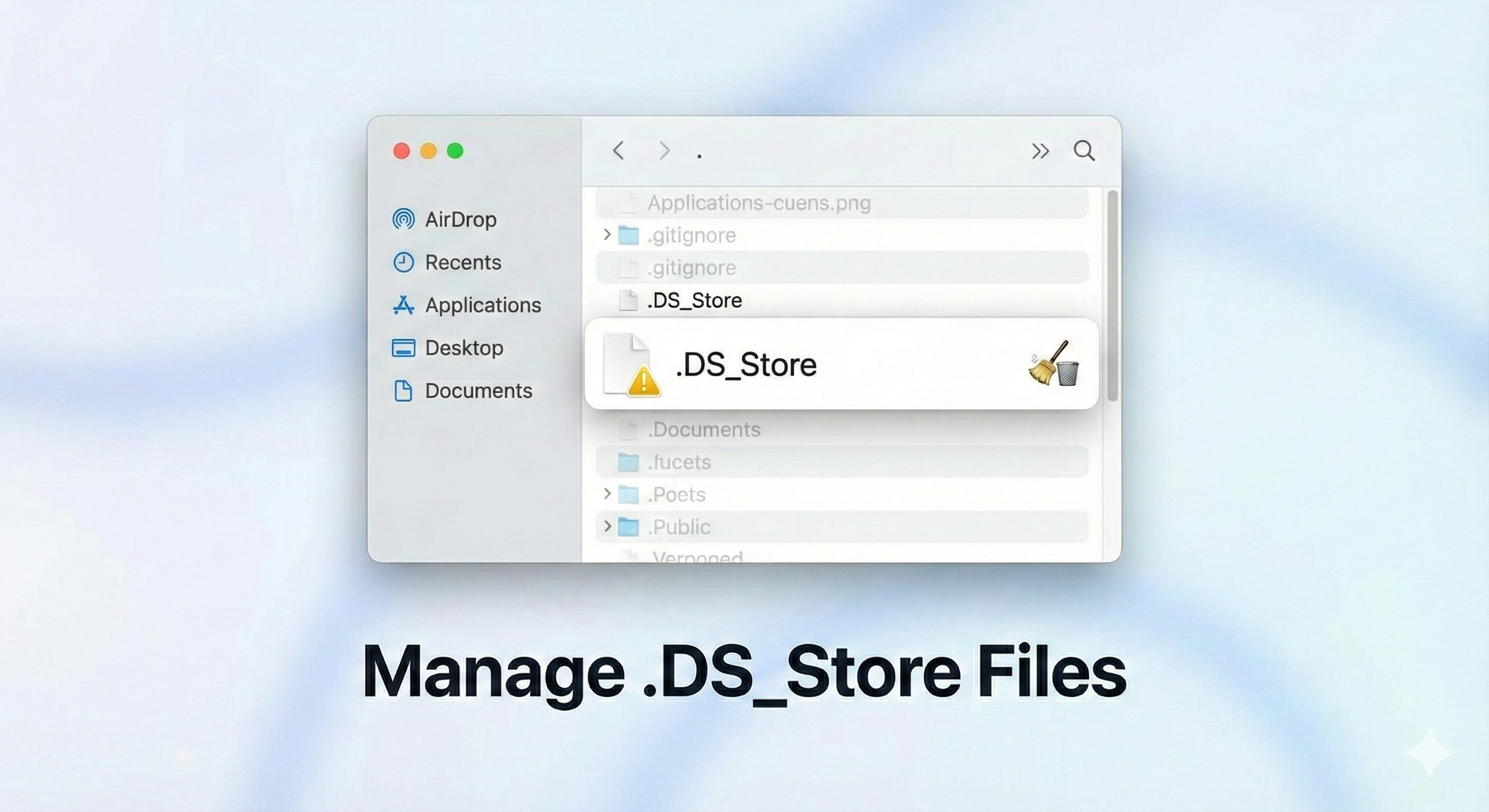
Manage .DS_Store Files on macOS
If you are using a Mac, you may have noticed that macOS automatically creates .DS_Store files inside folders. These files are hidden by default because their names begin with a dot (.), so they usually go unnoticed.
However, these files often become visible when folders are shared across different operating systems, uploaded to Git repositories, or synced with cloud storage services.
What is a .DS_Store File?
.DS_Store stands for Desktop Services Store. It is a hidden system file used by macOS to store folder-specific settings such as:
- Folder view options (icon, list, column view)
- Icon positions
- Sorting preferences
- Background images and visual layout data
The Finder automatically creates a .DS_Store file for each folder. This file travels with the folder when it is copied, archived, uploaded, or committed to a Git repository.
Is the .DS_Store File Safe?
Generally, .DS_Store files do not harm your Mac or affect performance. However, they can expose information about your folder structure, file names, and layout preferences if accidentally shared.
This is why developers often avoid committing them to Git repositories or sharing them with production servers.
How to Make .DS_Store Files Visible
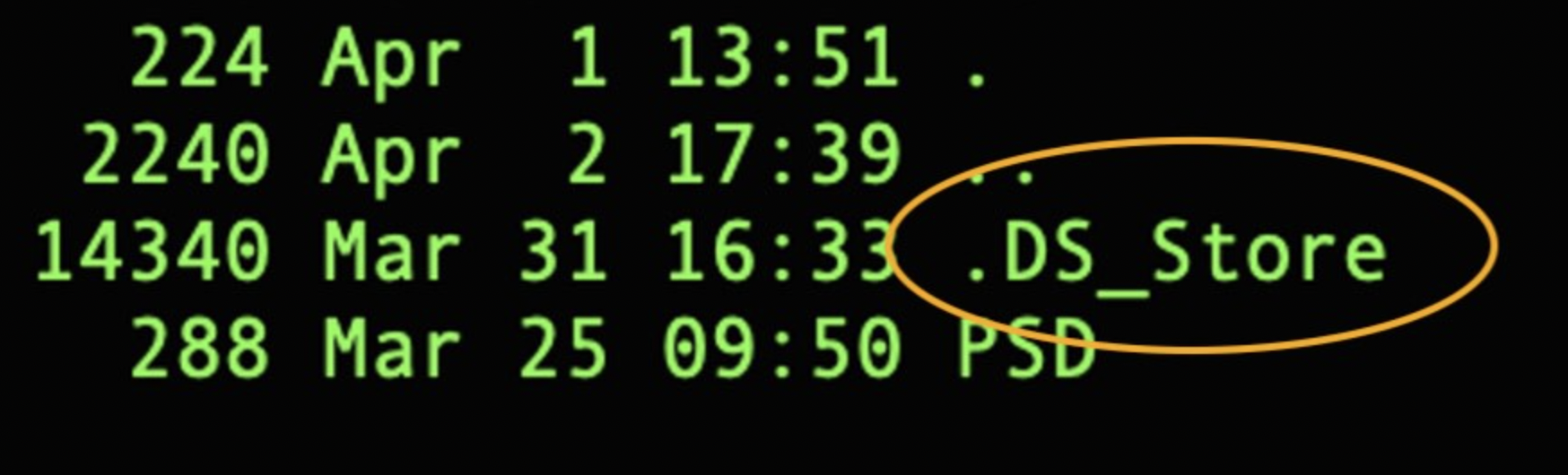
You can view hidden files, including .DS_Store, using the Terminal.
Run the following command:
ls -lA
The -A flag tells the ls command to include hidden files while excluding . and ...
How to Delete .DS_Store Files
To delete a .DS_Store file from a directory, use:
rm .DS_Store
To remove .DS_Store files recursively from all subdirectories, run:
find . -name ".DS_Store" -type f -delete
Ignore .DS_Store Files in Git
To prevent .DS_Store files from being committed to a Git repository:
- Create or edit the
.gitignore file in your project root
- Add the following line:
.DS_Store
This ensures Git ignores these files permanently.
Disable .DS_Store Creation on Network Drives
To stop macOS from creating .DS_Store files on network-mounted drives, run the following command in Terminal:
defaults write com.apple.desktopservices DSDontWriteNetworkStores true
Note: Reboot your Mac after running this command.
Disable .DS_Store Creation on USB / Removable Devices
To prevent .DS_Store files from being created on USB drives and other removable storage devices, run:
defaults write com.apple.desktopservices DSDontWriteUSBStores -bool true
Note: Reboot your Mac for changes to take effect.
If you want to re-enable this behavior later, use:
defaults write com.apple.desktopservices DSDontWriteUSBStores -bool false
Best Practices for Developers
- Always ignore
.DS_Store files in Git repositories
- Clean them before deploying code to servers
- Disable creation on shared drives to avoid clutter
- Educate team members to avoid committing system files
Managing .DS_Store files properly helps keep repositories clean and avoids unnecessary merge conflicts.
Prakash Pradhan
Sr. Software Engineer
Senior Software Engineer with 10+ years of experience in designing and scaling distributed systems and full-stack applications. Experts in optimizing system performance, and delivering high-impact technical solutions across the entire software development lifecycle.









Comments
No comments yet.